Search for "digital signature software" and you'll find dozens of
products that all promise the same thing. Faster approvals, paperless
workflows, secure signatures and legal compliance. On paper, they don't look
very different.
They start to look different once your business actually begins using them.
A startup sending employment contracts, a Chartered Accountant filing tax
audit reports, a manufacturing company signing vendor agreements and a bank on boarding
customers are all technically signing PDFs. The workflows behind those
documents, however, have almost nothing in common. That's why choosing digital
signature software is less about finding the platform with the longest feature
list and more about understanding the problems it was originally built to
solve.
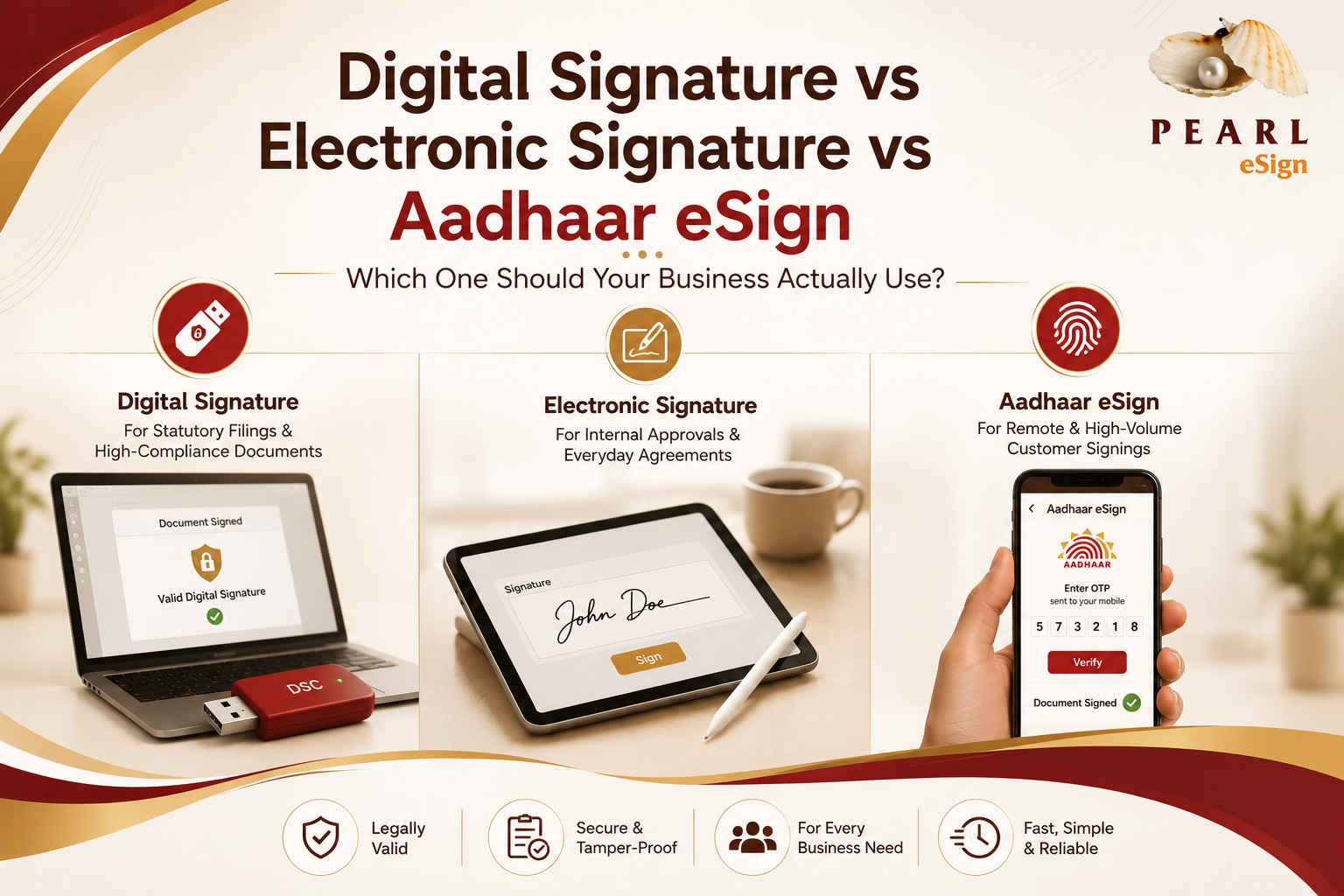
If you're still deciding between Digital Signatures, Electronic Signatures
and Aadhaar eSign, it's worth reading Digital Signature vs Electronic
Signature vs Aadhaar eSign first because the software you choose is
often limited by the signing methods it supports.
For organizations operating across multiple countries, DocuSign
has become almost synonymous with electronic agreements. Its strength lies in
enterprise workflows, integrations and global contract management. Companies
working with international customers often choose it because the ecosystem
around the product is mature and well documented. Where Indian businesses
sometimes find friction is during statutory compliance, since filings with the
MCA, Income Tax Department and GST portal frequently depend on Class 3 Digital
Signature Certificates rather than standard electronic signatures.
Adobe Acrobat Sign approaches the problem
from a different direction. If your organization already manages documents
inside Adobe's PDF ecosystem, adding signing capabilities feels like a natural
extension instead of introducing another workflow. The experience is polished,
particularly for enterprises that already rely on Microsoft 365, although
businesses with heavy DSC based compliance often supplement it with additional
tools.
Companies already using the Zoho ecosystem generally lean towards Zoho
Sign for the same reason they adopt other Zoho products. Everything
fits together. CRM, HR, finance and document approvals remain inside a familiar
environment, which reduces operational complexity for growing businesses that
don't require highly specialized compliance workflows.
Financial institutions and legal service providers often take a different
route. Leegality has built much of its platform
around Aadhaar eSign, eStamping and customer onboarding. The emphasis is less
on internal approvals and more on helping regulated industries complete legally
valid agreements without asking customers to visit a branch office or courier
physical documents.
What's interesting is that many Indian businesses don't fit neatly into any
one of these categories. The finance team might be filing GST returns with a
USB DSC token while HR is issuing offer letters electronically. Procurement
could be approving purchase orders through an internal workflow, and the sales
team may need customers to complete Aadhaar eSign from a mobile phone before an
agreement can move forward. None of those teams are doing the same job, yet
they're all interacting with documents that require different forms of trust
and compliance.
This is where evaluating software by individual features becomes less useful
than evaluating the workflow as a whole.
Instead of asking whether a platform supports digital signatures, the more
practical questions are whether it supports every signature type your
organization actually uses, whether documents can move between departments
without leaving the platform, whether audit trails remain centralized, and whether
signing can be triggered directly from your ERP or CRM instead of becoming
another manual task.
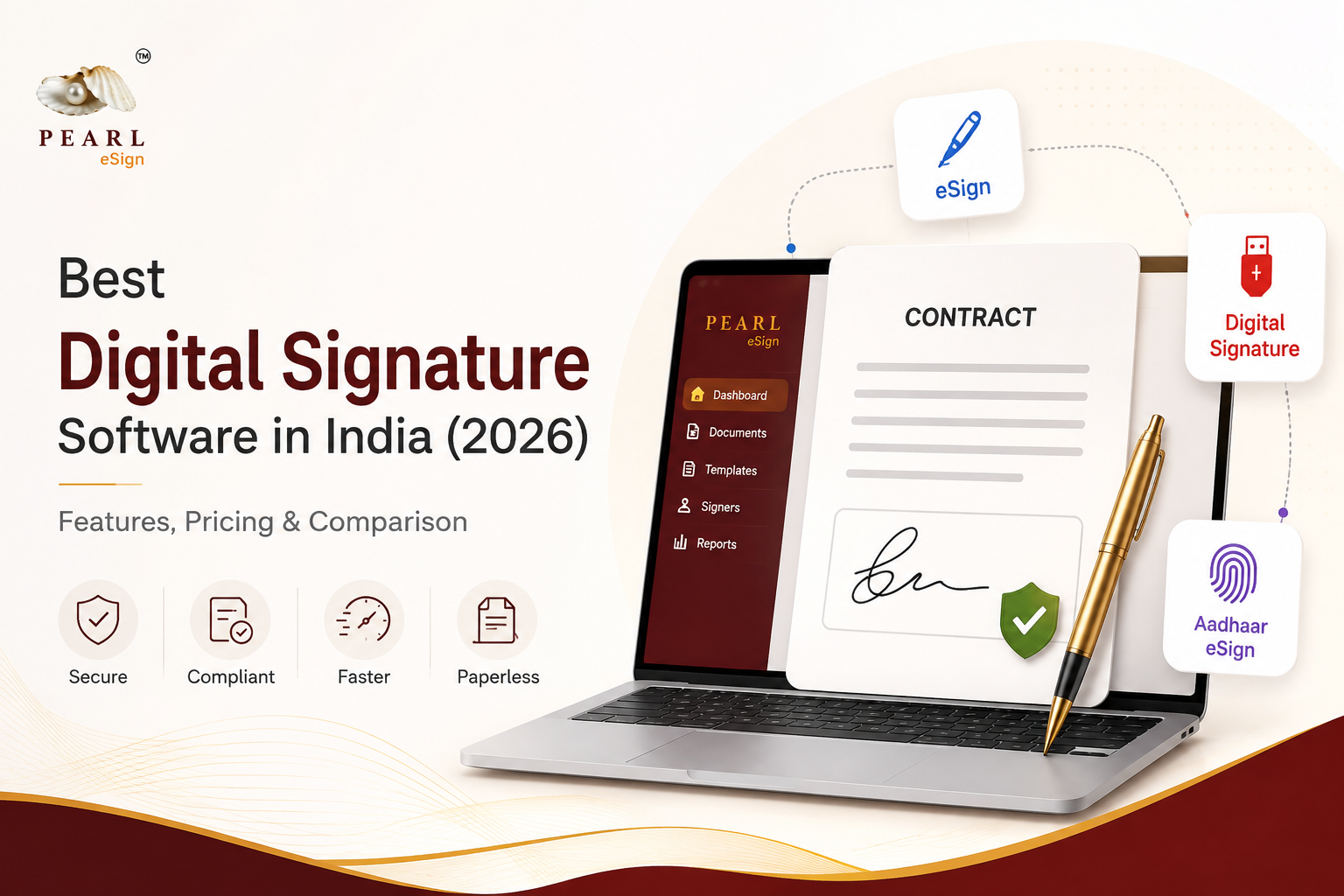
That shift in thinking is one reason platforms like Pearl
eSign have started focusing on workflow rather than a single signing
method. Rather than positioning Digital Signatures, Aadhaar eSign and
Electronic Signatures as separate products, the platform brings them into the
same document lifecycle. Features such as Bulk PDF Signing
and API Integration become useful because they
solve operational problems instead of simply adding another way to sign a PDF.
Organizations that regularly submit documents to the Ministry of Corporate
Affairs or the Registrar of Companies should also pay attention to statutory compatibility.
Our guide on MCA & ROC Filing with Digital Signatures
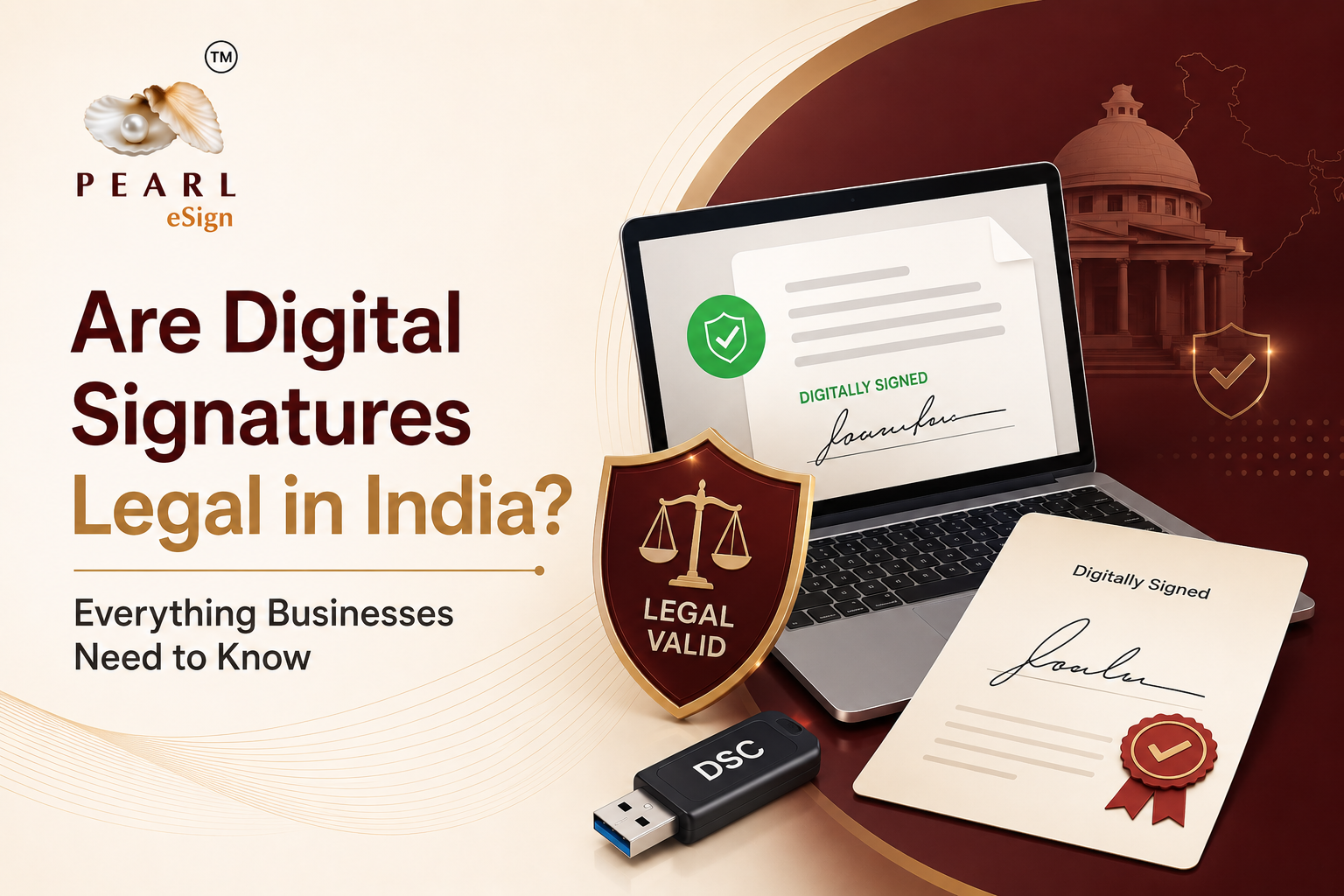
explains how those workflows differ from standard electronic approvals, while Are
Digital Signatures Legal in India? explores how different signing
methods are recognized under the Information Technology Act, 2000.
Software alone, of course, isn't enough if your business relies on Class 3
Digital Signature Certificates. Those certificates still need to be issued or
renewed through an authorized provider, and organizations replacing older USB
tokens should ensure they're moving to current hardware. MCS
DigiSign provides both new Digital Signature Certificates and FIPS
140 3 compliant USB tokens for businesses that need them.
The interesting thing about digital signature software is that users rarely
notice good implementations. Documents move, approvals happen, compliance
requirements are satisfied and nobody thinks about the technology underneath.
The software only becomes visible when a workflow breaks. Choosing the right
platform is ultimately about making sure that moment never arrives.
Ready to Implement Digital Signatures in Your Organization?
Schedule a personalized demo with Pearl eSign's enterprise solutions team. We'll walk you through the platform and design a deployment strategy tailored to your organization's workflows.